How Hackers Steal Passwords and How to Protect Yourself
Learn how hackers steal passwords through phishing, fake websites, malware, and data breaches. Discover practical cybersecurity tips to protect your personal and business accounts.
6 min read
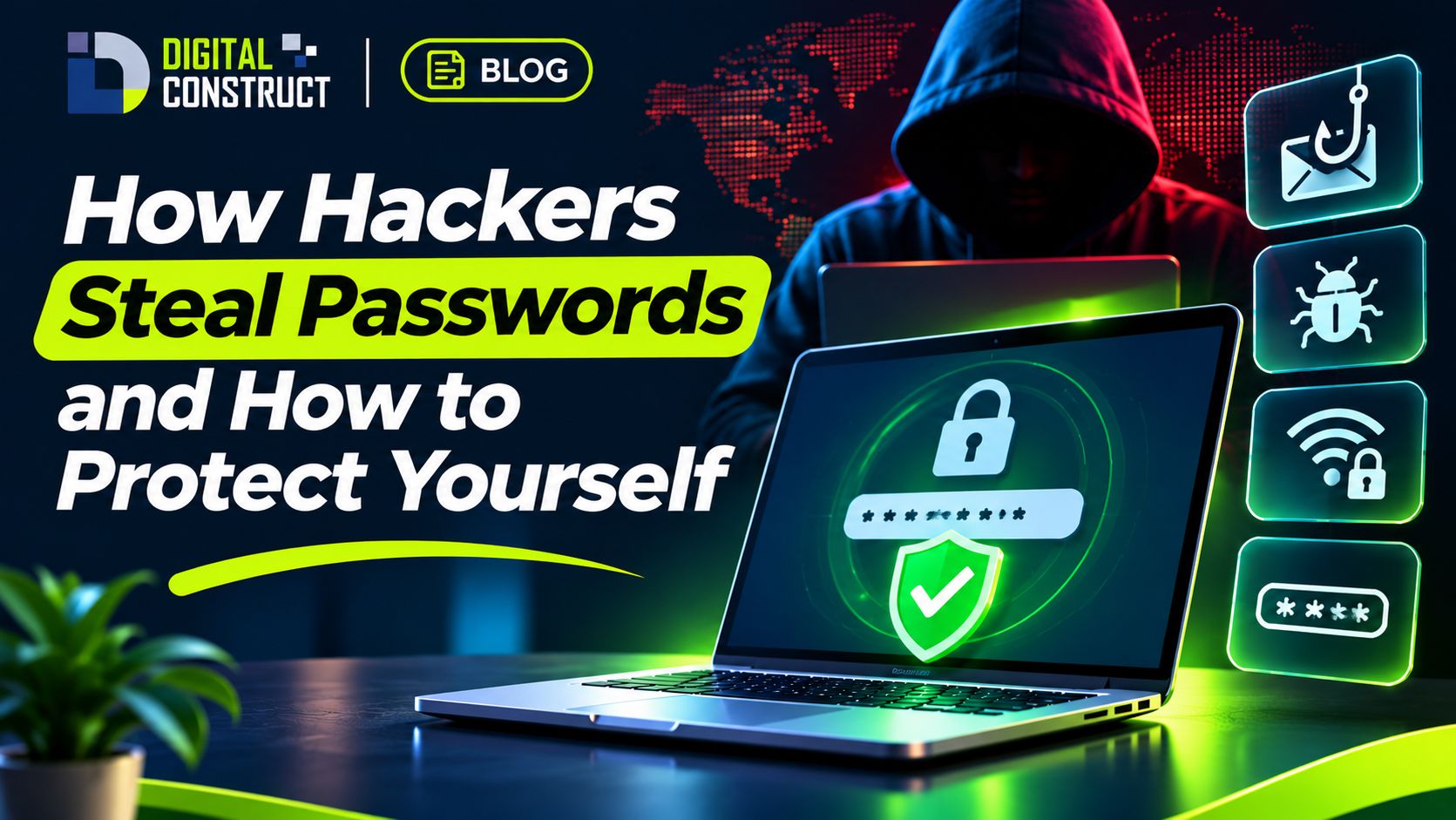
Your password is often the first line of defense for your digital identity. But cybercriminals have developed multiple ways to steal login credentials, sometimes without users realizing what happened.
Introduction: One Stolen Password Can Cause Serious Damage
Imagine waking up to discover that someone has accessed your email account.
They have changed your password, locked you out, and started sending messages to your contacts.
If that email address is connected to your banking, social media, or business accounts, the damage can spread quickly.
Password theft is one of the common ways attackers gain unauthorized access to online services.
For businesses, compromised accounts can expose confidential documents, customer information, financial records, and internal communications.
Understanding how attackers obtain passwords is an important step toward protecting yourself.
1. Phishing: Fake Messages That Trick You
Phishing is a social engineering attack in which criminals impersonate trusted organizations or individuals to obtain sensitive information.
An attacker might send a message claiming to be from your bank, email provider, social media platform, or delivery company.
The message could say:
"Your account will be suspended unless you verify your password immediately."
It then directs you to a fake login page.
If you enter your credentials, the attacker may capture them.
How to protect yourself
Avoid opening suspicious login links.
Visit important services through their official apps or saved bookmarks.
Check website addresses carefully.
Be suspicious of urgent threats and unexpected requests.
Never share verification codes with someone contacting you unexpectedly.
Remember that a website using HTTPS is not automatically trustworthy. Fraudulent websites can also use encrypted connections.
2. Password Reuse and Credential Stuffing
Many people use the same password for multiple websites.
This creates a serious security risk.
Suppose your password is exposed in a breach involving an online shopping website.
An attacker might try that same email and password combination on your social media, email, or other accounts.
This technique is known as credential stuffing.
Even if your other accounts were not directly breached, password reuse can make them vulnerable.
How to protect yourself
Use a unique password for every important account.
A password manager can generate and store strong, unique passwords so you do not need to memorize them all.
3. Malware and Information-Stealing Software
Malware is malicious software designed to interfere with devices, steal information, or provide unauthorized access.
Some types of malware can collect stored browser credentials, session information, or other sensitive data.
People may accidentally install malware through suspicious downloads, malicious attachments, or compromised software.
How to protect yourself
Download applications from trusted sources, keep your operating system updated, and avoid pirated or suspicious software.
Use reputable security tools and review unusual device behavior.
For business computers, organizations should consider endpoint protection, controlled software installation, and employee cybersecurity training.
4. Fake Login Pages and Lookalike Websites
Attackers sometimes create websites that closely resemble legitimate services.
For example, a fraudulent website might imitate a familiar email or social media login screen.
The page may use similar colors, logos, and layouts to make it appear authentic.
A small difference in the website address may be the only obvious warning.
How to protect yourself
Before entering credentials, verify the domain name.
Do not assume that a professional-looking website is legitimate.
Using passkeys where supported can also help protect against many phishing attacks because authentication is linked to the legitimate website or application.
5. Password Guessing and Brute-Force Attacks
Weak passwords can sometimes be guessed through automated attempts.
Common passwords, predictable patterns, and personal information make accounts easier to attack.
Examples of risky password choices include common number sequences, keyboard patterns, and passwords based on easily discovered personal details.
How to protect yourself
Use long, unique passwords.
For accounts requiring passwords, a password manager-generated password is generally a strong choice.
Service providers should also implement rate limiting, suspicious login detection, and other protections against automated attacks.
6. Stolen Sessions and Account Cookies
Passwords are not the only information attackers target.
When you sign in to a website, your browser may store session information that allows you to remain logged in.
Some attackers attempt to steal this information to access accounts without entering the password again.
This is one reason why password protection alone is not sufficient.
How to protect yourself
Keep devices updated, avoid suspicious browser extensions, and sign out of unfamiliar sessions.
Review account security settings and revoke sessions you do not recognize.
If you suspect session theft, changing your password may not be enough; use the service's option to sign out of all devices where available.
7. What Is Two-Factor Authentication?
Two-factor authentication, often called 2FA, adds an additional verification step to account access.
Instead of relying only on a password, the service requires another form of authentication.
Examples include authentication apps, hardware security keys, and other supported verification methods.
Not all forms of 2FA provide equal protection.
Security keys and passkeys using phishing-resistant authentication are particularly valuable for sensitive accounts.
SMS verification can still provide additional protection compared with a password alone, although it has limitations.
8. Why Businesses in Ethiopia Should Care About Password Security
Businesses increasingly depend on email, websites, cloud applications, accounting systems, and online customer communications.
A compromised employee account can create risks beyond the individual user.
For example, attackers may attempt to access internal documents, impersonate staff members, or send fraudulent payment instructions.
Organizations should consider implementing:
Multi-factor authentication.
Password managers.
Role-based access controls.
Employee security awareness training.
Regular software updates.
Account activity monitoring.
Secure backup procedures.
Clear incident response processes.
Security should be considered when developing business software, not added only after a problem occurs.
9. What Should You Do If Your Password Is Stolen?
If you suspect that someone has accessed your account:
Step 1: Use a trusted device to visit the legitimate service.
Step 2: Change the affected password immediately.
Step 3: Sign out of other sessions and revoke unknown devices where possible.
Step 4: Enable phishing-resistant multi-factor authentication if supported.
Step 5: Review recovery email addresses, phone numbers, and account settings.
Step 6: Check for unauthorized transactions, messages, or changes.
Step 7: Change passwords on other accounts where you reused the compromised password.
Step 8: Contact the relevant service provider or financial institution if sensitive information or money may be affected.
If a work account is compromised, notify your organization's IT or security team promptly.
10. How Digital Construct Approaches Secure Software Development
Digital Construct PLC develops websites, business systems, e-commerce platforms, and custom applications for organizations in Ethiopia and beyond.
Security is an important consideration throughout the software development lifecycle.
Depending on project requirements, secure software design may include authentication, access controls, data validation, encrypted communication, audit logs, and backup planning.
Organizations should also arrange appropriate security testing and ongoing maintenance.
A modern digital platform should not only look professional and function correctly. It should also be designed to protect the information entrusted to it.
Conclusion: Protecting Your Accounts Starts With Better Habits
Cybercriminals use phishing, stolen credentials, malware, and other techniques to compromise online accounts.
Fortunately, practical security measures can reduce many common risks.
Using unique passwords, enabling strong authentication, keeping devices updated, and recognizing suspicious messages are important steps.
For businesses, employee awareness and secure system design are equally essential.
Digital security is not a one-time activity. It is an ongoing responsibility.
Need a Secure Website or Business Application?
Digital Construct PLC designs and develops professional websites, e-commerce platforms, and custom business software.
Visit https://digitalconstruct.io to explore our services and discuss your next technology project.
Have a project in mind?
Tell us what you need — we'll recommend the right package and send you a quote.
Keep reading
 Technology OutagesCloud ComputingBusiness Continuity
How to Make Your Website Rank on Google: A Beginner's SEO Guide
Learn practical SEO strategies to help your business website become more visible on Google, attract relevant visitors, and generate potential customers.
5 min read Read article Agentic AIAI AgentsArtificial Intelligence
ERP vs. CRM vs. Inventory Management — What's the Difference?
ERP, CRM, or inventory management software? Discover what each system does, how they work together, and which solution is right for your business.
5 min read Read article Agentic AIAI AgentsArtificial Intelligence
What Is Agentic AI? How AI Agents Can Work for Your Business
Discover how Agentic AI is changing business operations. Learn how AI agents work, how they differ from chatbots, and practical ways Ethiopian businesses can use AI automation.
8 min read Read article